Chats and groups
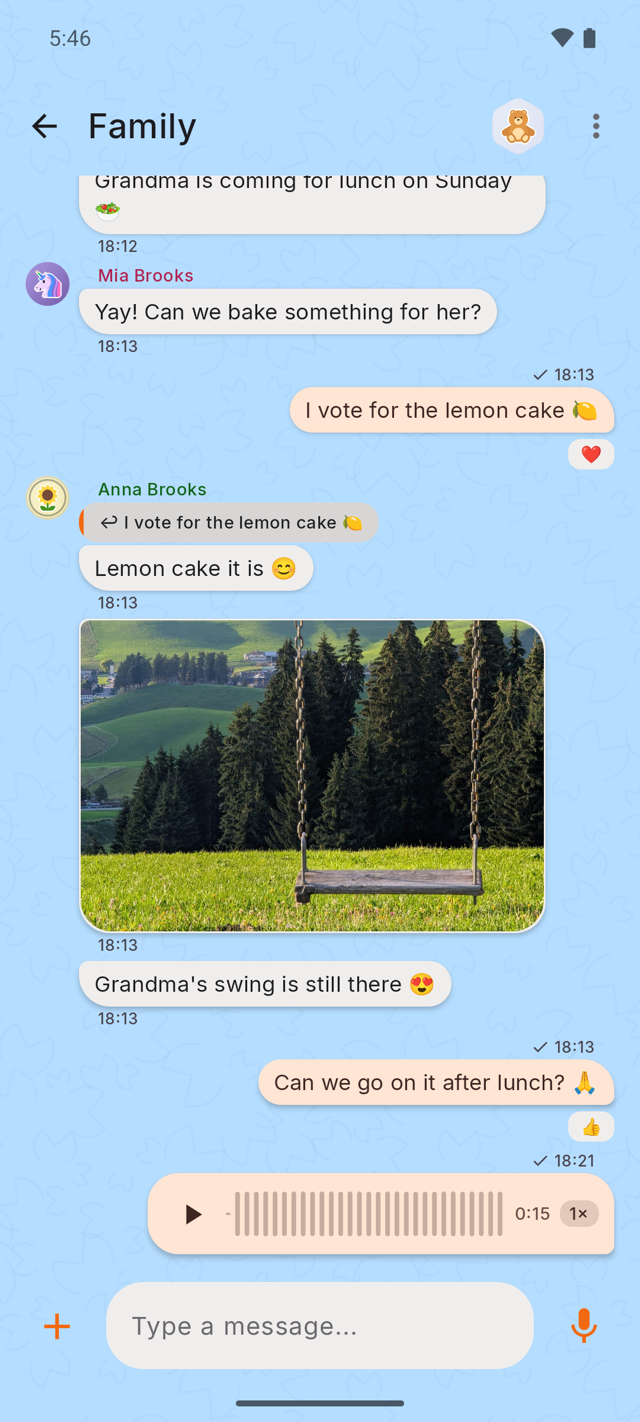
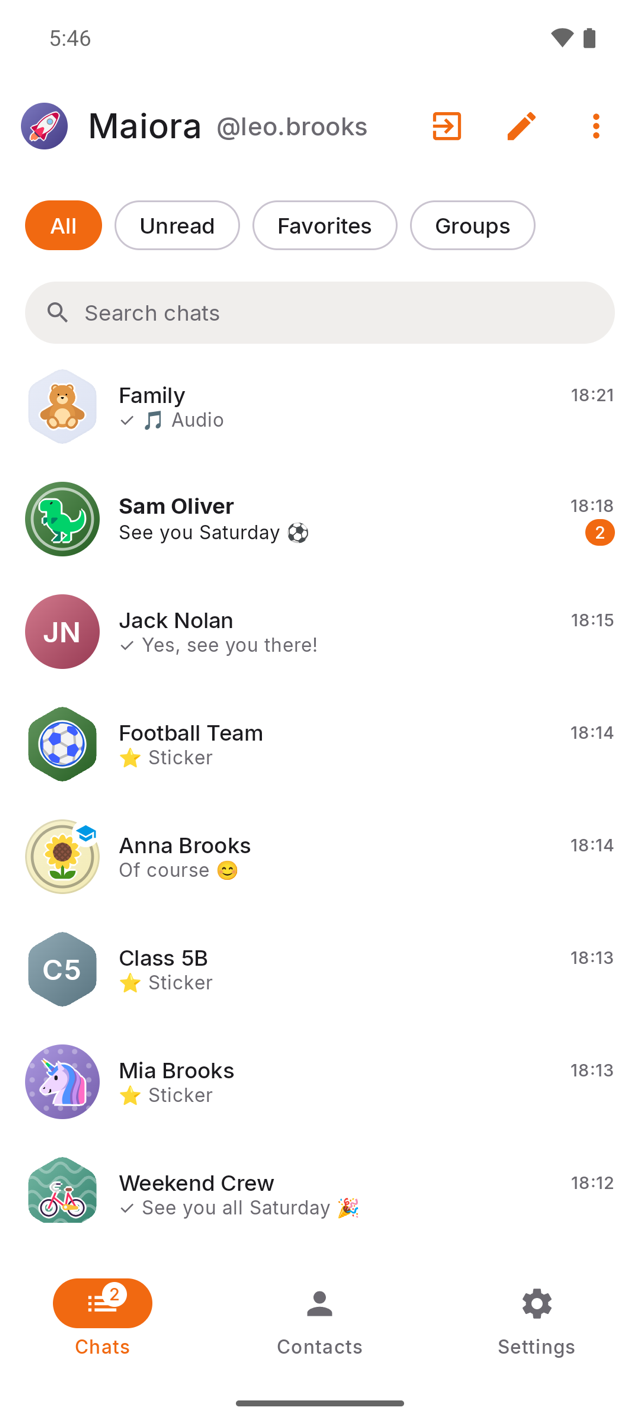
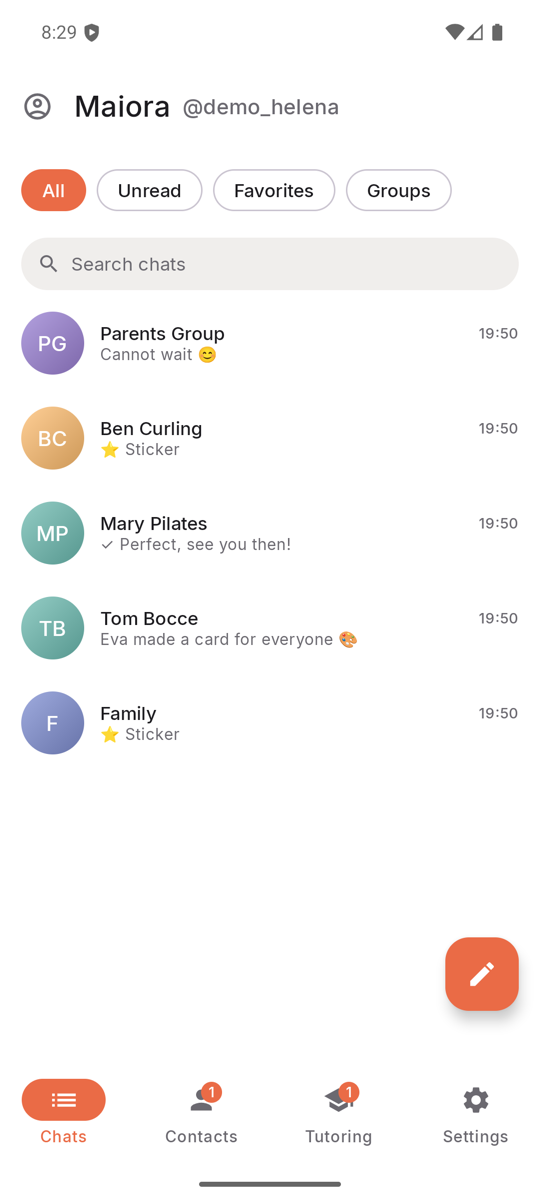
One-to-one and group conversations, with replies, reactions and delivery ticks.
Maiora is a messenger made for children — on their first phone, or on yours. Everything a rich messenger has — group chats, voice notes, photos, video, calls — inside a world where you decide who is in it and what is allowed.
The part most apps get wrong
A child who knows they are being read doesn't stop having private conversations — they just move them somewhere you can't help. So Maiora protects them a different way: not by watching what they say, but by deciding who gets to say anything to them. Every message is end-to-end encrypted, which means we couldn't hand their words to anyone. Including ourselves.
Maiora is not a stripped-down kids' app. It is the real thing, with a smaller world around it.
One-to-one and group conversations, with replies, reactions and delivery ticks.
Hold to record — then send it as a robot, a chipmunk or a ghost.
Straight from the camera roll, encrypted before they leave the phone.
One to one, end-to-end encrypted, no minutes required.
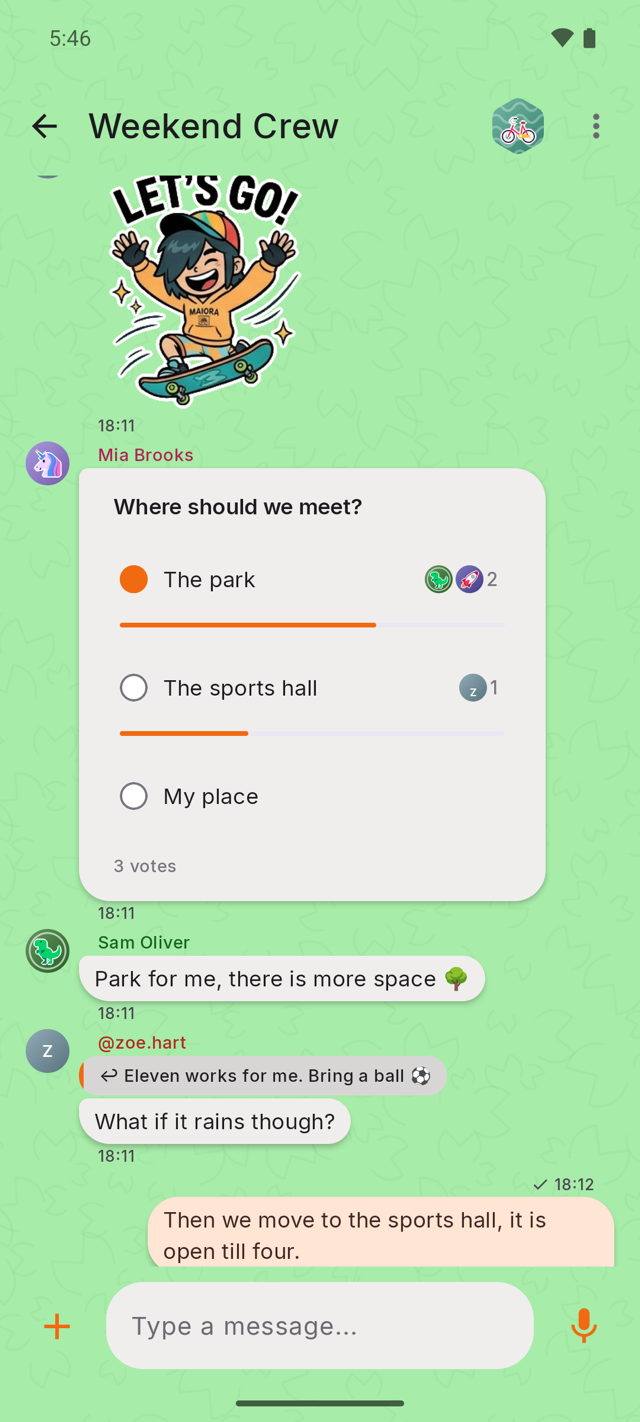
Decide where to meet. Split who is bringing what.
Type #snow and watch it fall across the whole conversation.
You set the shape of their world once, then mostly get out of the way.
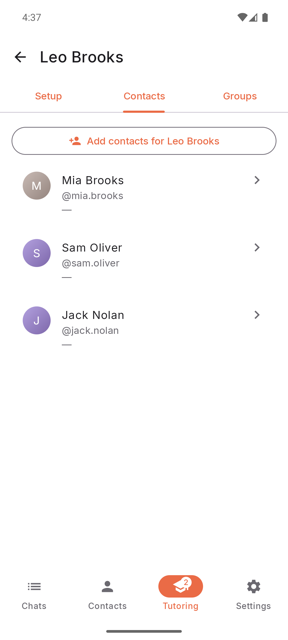
A request waits for your approval before a single message can be sent. Or, if you would rather, let them add their own friends — that switch goes both ways, any time.
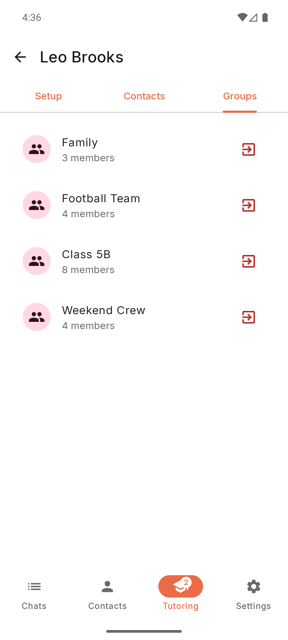
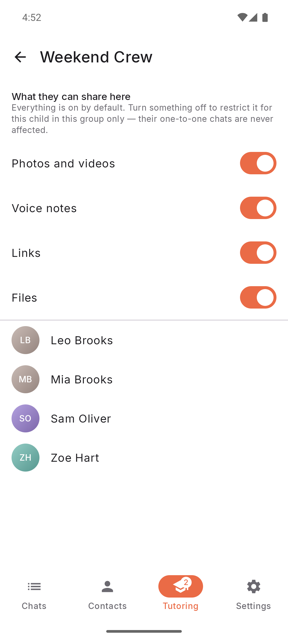
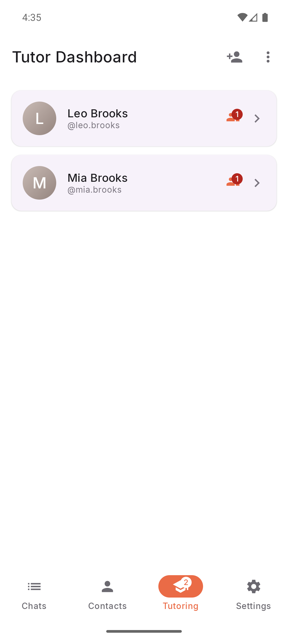
You see the group before they join, and you pick what is allowed inside it: photos, voice, links, files — each one on or off, group by group. Open any group from the Tutoring tab to change those switches later, or to see who is in it.
It is created from yours and set up by you — on their phone if they have one, or on yours, or on a family tablet. Nobody else can do it, and it needs no SIM and no phone number of its own.
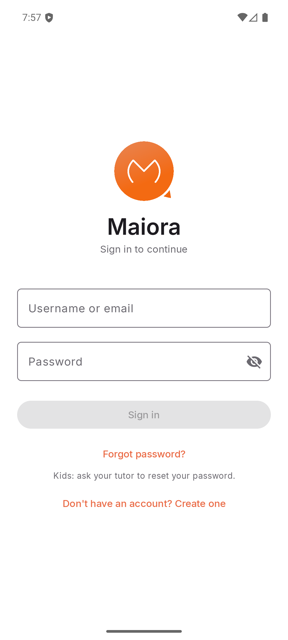
Password recovery runs through you — not through email, not through a support queue, not through us.
Inside the app on a child's account, so what is shared in a chat stays in that chat.
They convert it to a full adult account themselves. You do not have to do anything, and it cannot be undone.
About ten minutes, most of it on your own phone.
You are the tutor — the adult half of the pair.
A one-time code by SMS — the only friction we put in your way, and how we keep grown-ups on the grown-up side.
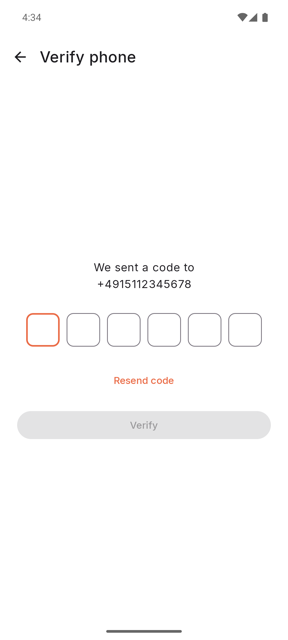
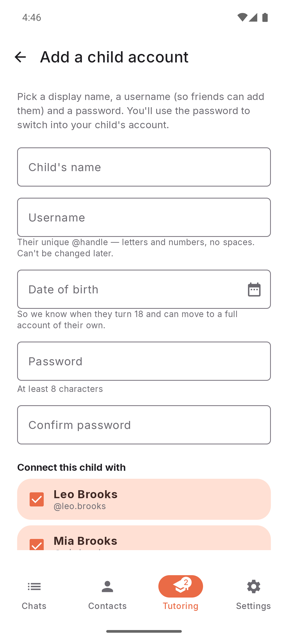
In your own chat list, tap the round person icon at the top left and choose Add kid. You pick their name, a username their friends can add them by, and their birthday. You set the first password — they can change it later to one you don't know, and if that locks them out you are still the way back in.
Both directions come to you: the requests other people send them, and the ones they send out. You say yes, they start talking.
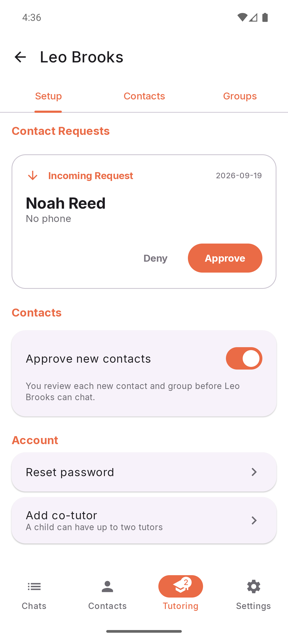
You will always see who they are connected to. You will never see what they say.
Maiora runs on Android and iPhone. While we are in closed beta, the two get in differently.
Android — write to us first. Send an email to info@maiora.chat with closed beta as the subject, from the Google account you use on the Play Store. It has to be that exact address, or the invitation cannot reach you. We add you to the tester list and reply — the Google Play button works from then on.
iPhone — start right away. Tap TestFlight: you will install Apple's free TestFlight app once, and Maiora straight after.
No. Not in the app, not by asking us, not by any route at all — the encryption makes it impossible rather than merely against the rules. That is the deal that makes a child actually use it, and it is why the safety lives in who can reach them instead.
No. Maiora keeps more than one account on the same device, so a child can sign in on your phone or on a family tablet. You create their account, and it needs no SIM and no number of its own: adults need a number, children don't. When they hand the phone back, "Give the phone back" ends their session in one tap and yours is the only account open again. If they do have a phone, Maiora works there too, on Wi-Fi. Plenty of families start on a shared device, long before there is a first phone.
Yes. One account can be signed in on several devices, for example a tablet at home and a phone, and once it is, every device receives every new message: they all stay in step. A device added later starts from the moment it's added: because everything is end-to-end encrypted, older messages stay on the devices that already had them.
No. Maiora is the same app on Android and on iPhone, and children on either can talk to each other. The controls built into a phone don't work that way — Apple's supervise Apple devices, Google's supervise Google ones — so a mixed household ends up with two systems and a gap between them. Here there is one, whichever phone anyone is holding.
WhatsApp is built for billions of adults and owned by an advertising company. In 2026 it added controls for teenagers on top. Maiora started from the other end: protecting children came first, and every feature was built on that.
To be fair: if a child already has a phone and the whole class is on WhatsApp, its controls are a reasonable choice. Maiora is for families who want to start earlier, without a phone of the child's own, and outside the big platforms.
You put them back in. Recovery runs through you as their tutor — which is also why a stranger holding their phone number cannot.
Only to tell you which of the people already in your phone are also here. Your contacts are never stored on our servers: the numbers are matched and discarded in the same breath, and the names stay on your phone. Two things fall out of that. A child's account is never returned by this — it comes back exactly as "not on Maiora" does, so no child can be found, or fished for, by phone number. And because an adult account is returned, one that should not be an adult account stands out in that list the first time you look.
On servers in the EU, under EU law. Messages are deleted from them after 14 days — and they only ever held ciphertext in the first place.
A parent. Maiora is built by a proud father of two wonderful kids — an engineer based in Munich, who wanted it for his own children and could not find it. The first users were his own family, and now his children's friends. It is independent: no investors, no advertising, and nothing about your family is for sale. Want to know more? Get in touch at info@maiora.chat — you will be writing to the person who wrote the code.
Yes. Everything Maiora does today will stay free: chats and groups, voice notes, photos and video, calls, and every control you have as a parent. If we add paid features later, they will only be extras for those who want more, and for those who'd like to support the project. No ads, and nothing about your family is for sale.